
Tutorial: How to use Parlay Gorilla
A practical, click-by-click guide to build AI-powered parlays, explore game analytics, and understand what the numbers mean.
Reminder: Parlay Gorilla provides AI-assisted sports analytics and informational insights. Not a sportsbook. Outcomes are not guaranteed.
Quick Start (60 seconds)
Build your first Gorilla Parlay fast. No sign-up required.
- 1) OpenTap Start Building to open the AI Builder.
- 2) ChoosePick a sport, set legs (2–4), and use Balanced.
- 3) GenerateGenerate, then read Hit Probability + Confidence first.
What Parlay Gorilla does
Build smarter parlays faster — with confidence.
Tap to expandTap to collapse
What Parlay Gorilla does
Build smarter parlays faster — with confidence.
Important Disclaimer
- Parlay Gorilla does not accept bets or facilitate wagering. All scenarios are hypothetical.
In plain English
- Parlay Gorilla helps you turn today's games into a clear, research-backed hypothetical parlay scenario in minutes.
- You can generate suggestions (Gorilla Parlays), or analyze your own picks (🦍 Gorilla Parlay Builder 🦍).
- Next: tap "Start Building" to generate your first Gorilla Parlay.
Core concepts (explained simply)
Master these concepts and unlock the full power of the app.
Tap to expandTap to collapse
Core concepts (explained simply)
Master these concepts and unlock the full power of the app.
Gorilla Parlays
- Plain English: pick a sport + risk level + number of legs, and the app suggests a full parlay.
- Why you'd do this: it's the fastest way to get an idea when you're new.
- Example: "NBA • 3 legs • Balanced" → Generate → review the slip + summary.
🦍 Gorilla Parlay Builder 🦍
- Plain English: you choose the exact legs, then run AI analysis on your specific slip.
- Use this when you have picks and need a risk analysis.
- Example: pick 2–4 legs → run 🦍 Gorilla Parlay Builder 🦍 → read the risk notes before you commit.
Credits
- Plain English: an optional “pay-per-use” balance you can spend when you want more actions.
- Why you’d do this: you hit a limit and don’t want to wait for the next reset.
- Credits are purchased when you choose — no automatic charges.
Automatic Verification
- Every Gorilla Parlay Builder parlay can be verified with a permanent, time-stamped record.
- This happens server-side — no user action required.
- Verification creates a tamper-resistant proof that your parlay analysis existed at a specific time.
Limits
- Gorilla Parlays: 100 per month.
- 🦍 Gorilla Parlay Builder 🦍 actions: 25 per month.
- Resets: your allowance refreshes every 30 days (about monthly).
- When you hit a limit, you’ll see a lock with clear options (wait, use credits, or upgrade).
Step-by-step tutorial
Build your first Gorilla Parlay, then learn how to read the results.
Tap to expandTap to collapse
Step-by-step tutorial
Build your first Gorilla Parlay, then learn how to read the results.
Step 1: Access the Gorilla Parlay Builder
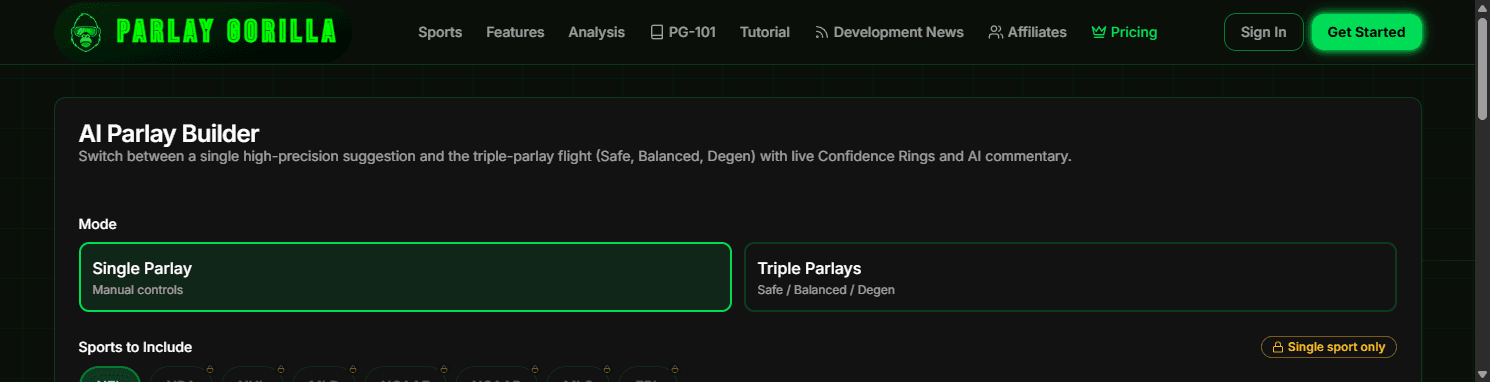
- Go to /build (public). You can start without an account.
- Sign up to save your results and track performance.
- Next: choose sport, legs, and risk profile.
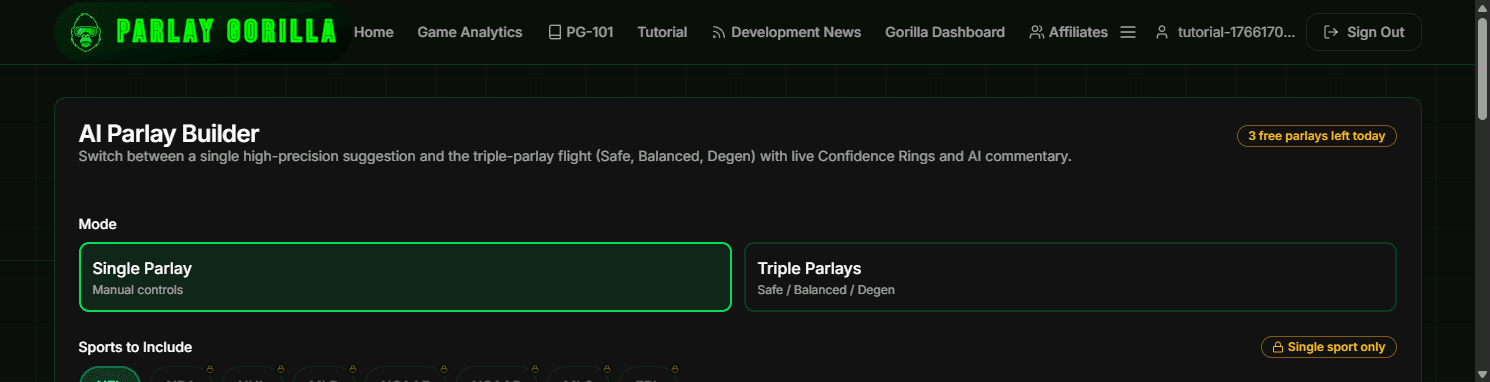
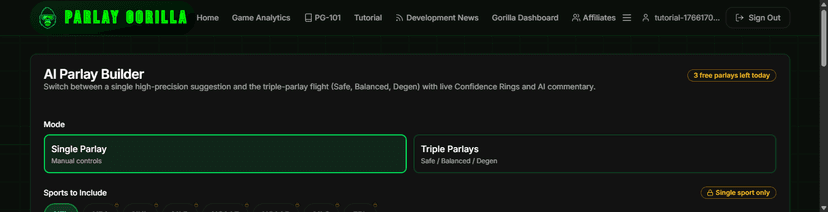
Step 2: Pick sport / legs / risk profile
- What this UI does: Sport = which games to use. Legs = how many picks in the parlay. Risk = how aggressive it is.
- What to do first: start with 2–4 legs and “Balanced”.
- Start with Sport + Legs, then generate.
- Next: tap Generate and let it run.
Step 3: Generate
- A short wait is normal — keep the page open while it works.
- If it times out: try fewer legs, switch to Balanced, then retry in a minute.
- Next: when results appear, read the top numbers first.
Step 4: Interpret results (what to look at first)
- Look first: Hit Probability (estimated chance the full parlay wins).
- Then: Model Confidence (how strongly the model likes the picks).
- Then: scan each leg to spot the “weak link” (lowest confidence / probability).
- Finally: read the summary for the “why” and any caveats.
- Next: share it, tweak inputs, or build again with fewer legs.
Real examples
Two proven flows you can use immediately.
Tap to expandTap to collapse
Real examples
Two proven flows you can use immediately.
Example 1: Gorilla Parlay (fast)
- Go to /build → choose a sport.
- Set Legs to 3 and pick “Balanced”.
- Tap Generate → check Hit Probability + Model Confidence.
- If it feels too risky: drop to 2 legs or switch to “Conservative”, then regenerate.
- Next: try one more build with a different risk profile so you feel the difference.
Example 2: 🦍 Gorilla Parlay Builder 🦍 parlay with automatic verification
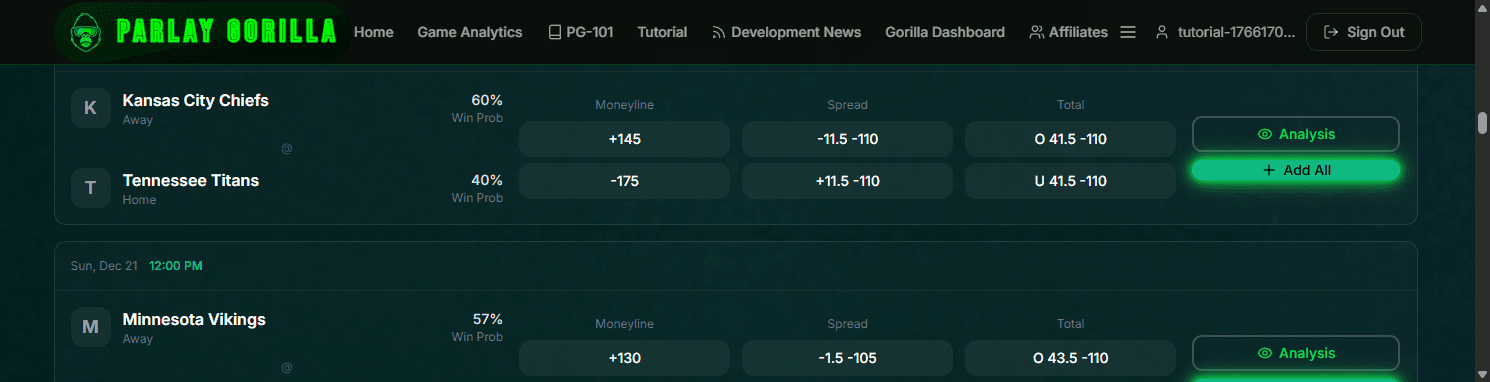
- Sign in → go to /app → pick a few legs from Upcoming Games.
- Open 🦍 Gorilla Parlay Builder 🦍 → run analysis on your exact slip.
- Verification happens automatically — every Gorilla Parlay Builder parlay can get a permanent, time-stamped record.
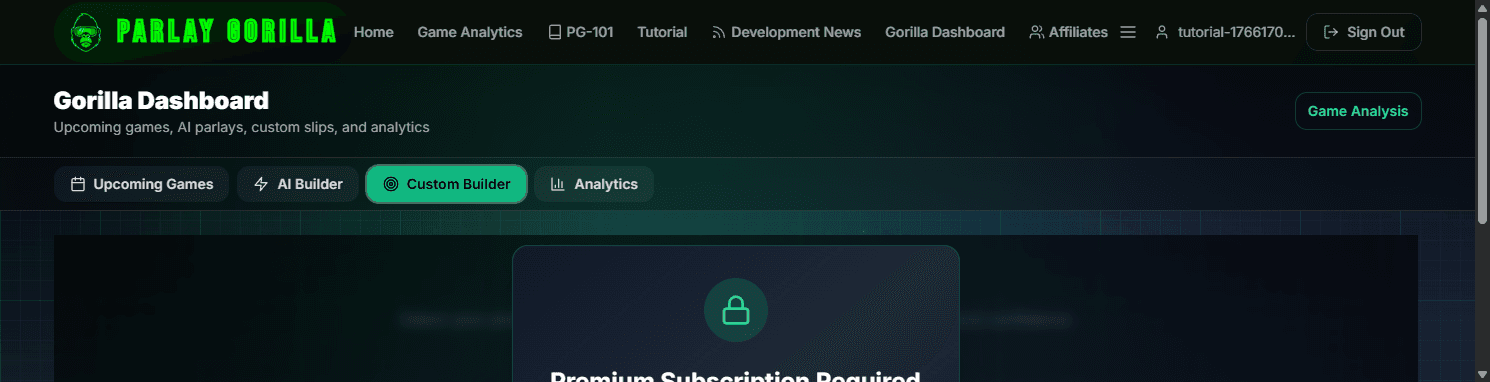
- If you see a lock: you hit a limit or the feature isn't on your plan (upgrade or use credits).
- Next: view your verification records anytime from the analysis results.
Limits & what these numbers mean
Understanding your limits and usage.
Tap to expandTap to collapse
Limits & what these numbers mean
Understanding your limits and usage.
Monthly usage limits
- Gorilla Parlays: 100 per month.
- 🦍 Gorilla Parlay Builder 🦍 actions: 25 per month.
- Resets: your allowance refreshes every 30 days (about monthly).
- When you hit a limit, the UI will show a lock and explain your options.
- Next: if you’re blocked, use Game Analytics while you wait — or use credits.
Automatic Verification
- Every Gorilla Parlay Builder parlay can be verified with a permanent, time-stamped record.
- Verification happens server-side — no user action required.
- This creates a tamper-resistant proof that your parlay analysis existed at a specific time.
- Next: view verification records from your analysis results.
Credits (optional)
- Credits are a manual top-up you can use when you want more actions.
- Credits are not automatic charges — you decide when to buy and when to spend.
- Upgrade to Premium or buy credits for unlimited actions.
Troubleshooting
Short, calm fixes for the most common issues.
Tap to expandTap to collapse
Troubleshooting
Short, calm fixes for the most common issues.
“No games found”
- Try a different sport or adjust the date (some sports are out of season).
- Refresh the page and try again.
- Next: if the slate is empty, use Game Analytics instead.
AI generation is slow or times out
- Try fewer legs (2–3) and use “Balanced”.
- Retry after 30–60 seconds if the system is processing other requests.
- On mobile, switch to a stronger connection if possible.
- Next: if it keeps timing out, contact support.
I see a lock / I hit a limit
- A lock means the action is unavailable on your plan or you’ve used your monthly allowance.
- Use credits, wait for the reset, or upgrade — the lock message will tell you what applies.
- Next: open Plans & Credits to see your options.
I’m not sure what to look at first
- Start with Hit Probability, then Model Confidence, then the weakest leg.
- Use the Glossary if a term is unfamiliar.
- Next: do one more build with fewer legs so the signal is clearer.
Still stuck?
- Contact support and tell us what page you were on and what you clicked.
- Screenshots help a lot.
- Next: use Contact Support or Report a Bug.
Glossary (expandable)
One-sentence definitions. No jargon.
Tap to expandTap to collapse
Glossary (expandable)
One-sentence definitions. No jargon.
Model confidence
- How strongly the model likes the picks you’re seeing (higher = stronger conviction).
Hit probability
- The estimated chance the full parlay wins (higher = generally safer).
Moneyline (ML)
- A simple pick: which team wins the game.
Spread
- A pick with a points handicap (a team must win by enough, or stay close enough).
Total
- A pick on whether the combined points go over or under a number.
Lock / feature lock
- A feature is unavailable on your plan or you hit a limit — the screen will tell you how to unlock it.
Automatic Verification
- Every Gorilla Parlay Builder parlay can be verified with a permanent, time-stamped proof that your analysis existed at a specific time.
Next steps
Pick one action and keep momentum.
Tap to expandTap to collapse
Next steps
Pick one action and keep momentum.
What to do now
- Build your first Gorilla Parlay (fastest way to learn).
- View Game Analytics when you want deeper matchup context.
- Review Usage & Billing if you hit a limit or see a lock.
- Contact support if something feels off.
Still stuck?
If something isn’t working, use the support form or report a bug with what you clicked and what you expected to happen.